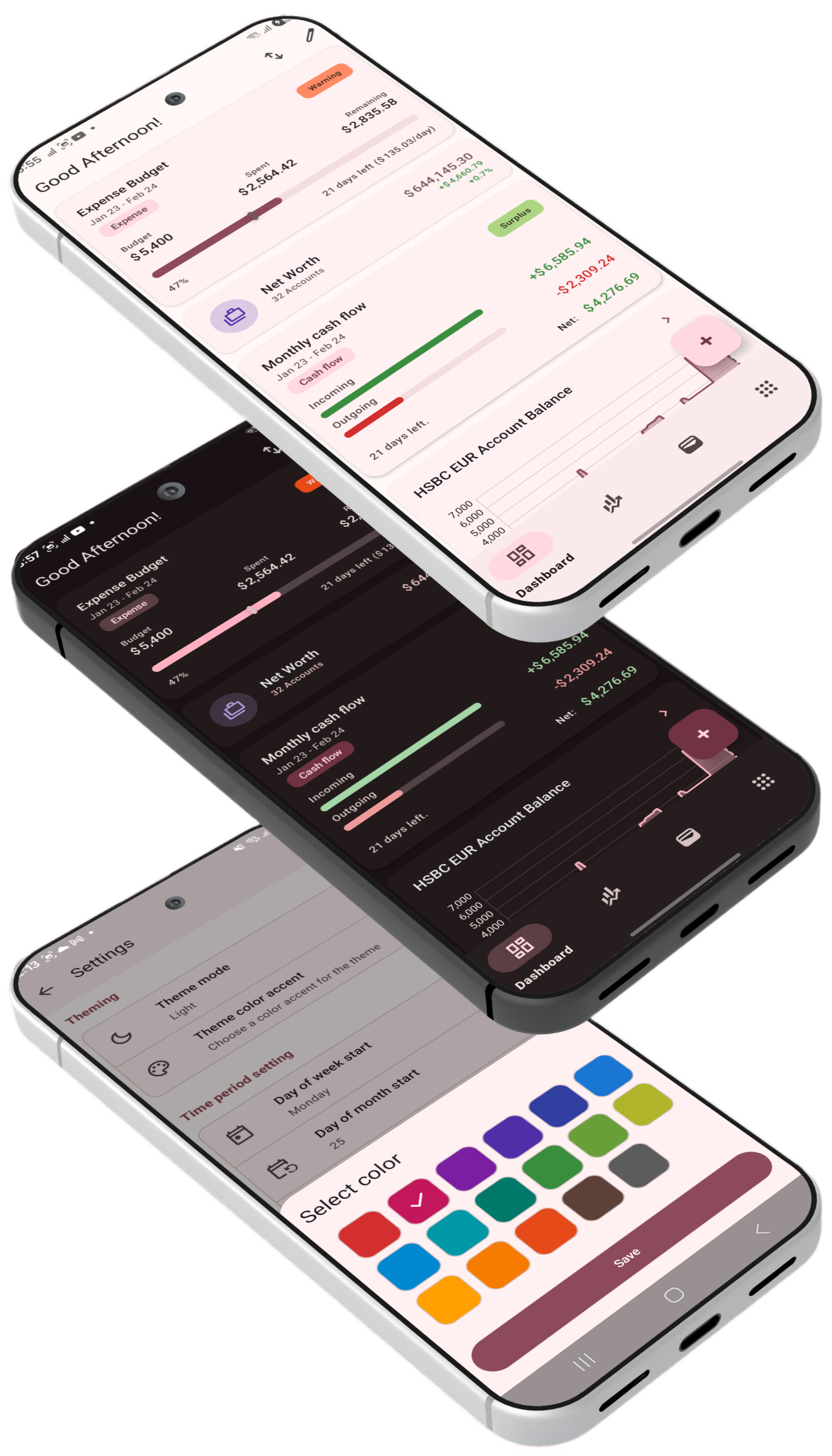
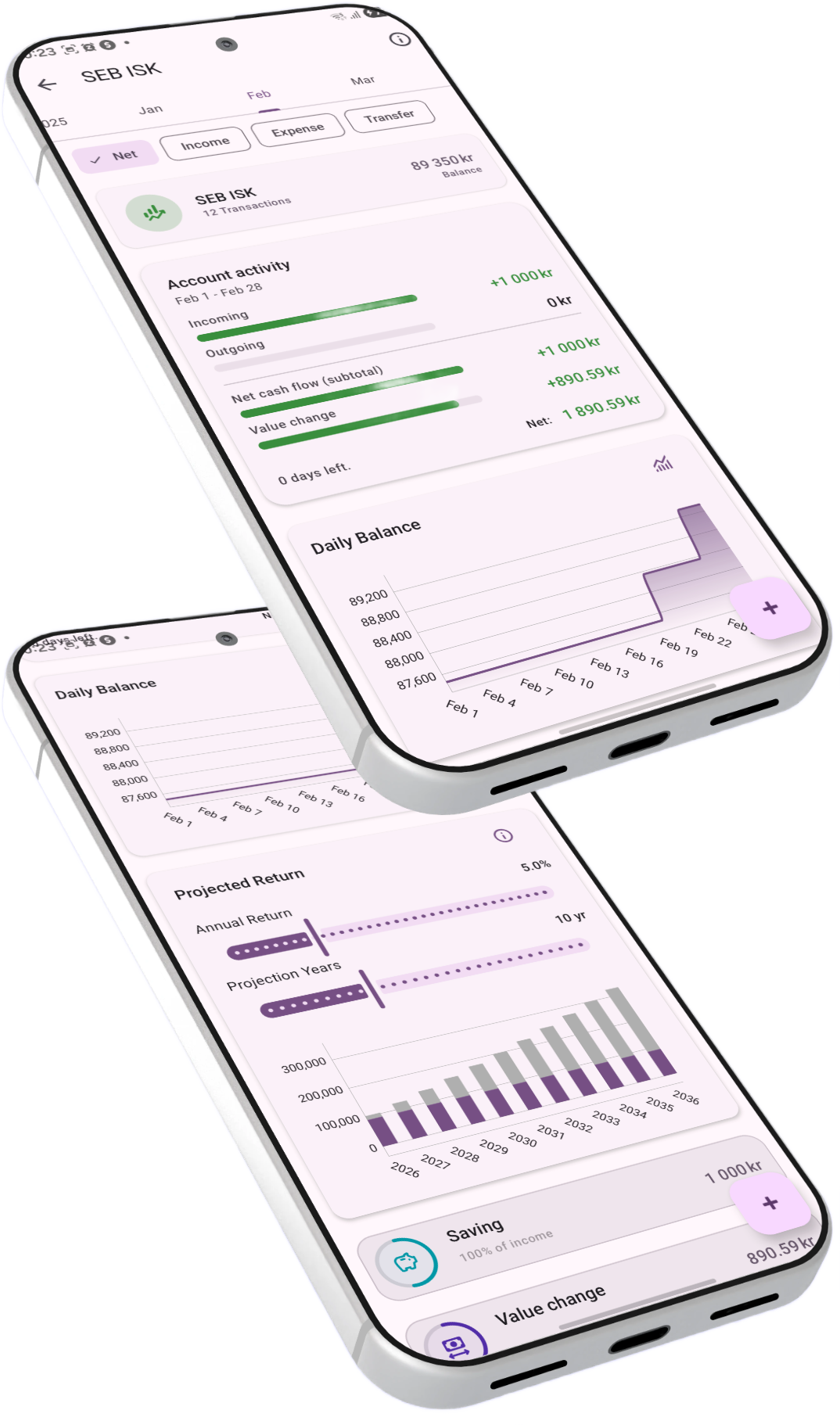
android Available on Android

Your Finances,
Beautifully Visualized

A privacy-first personal finance app built to get a complete insight into your financial life. Track spending, forecast your future, monitor net worth, and visualize it all with powerful, customizable reports — your data never leaves your device.
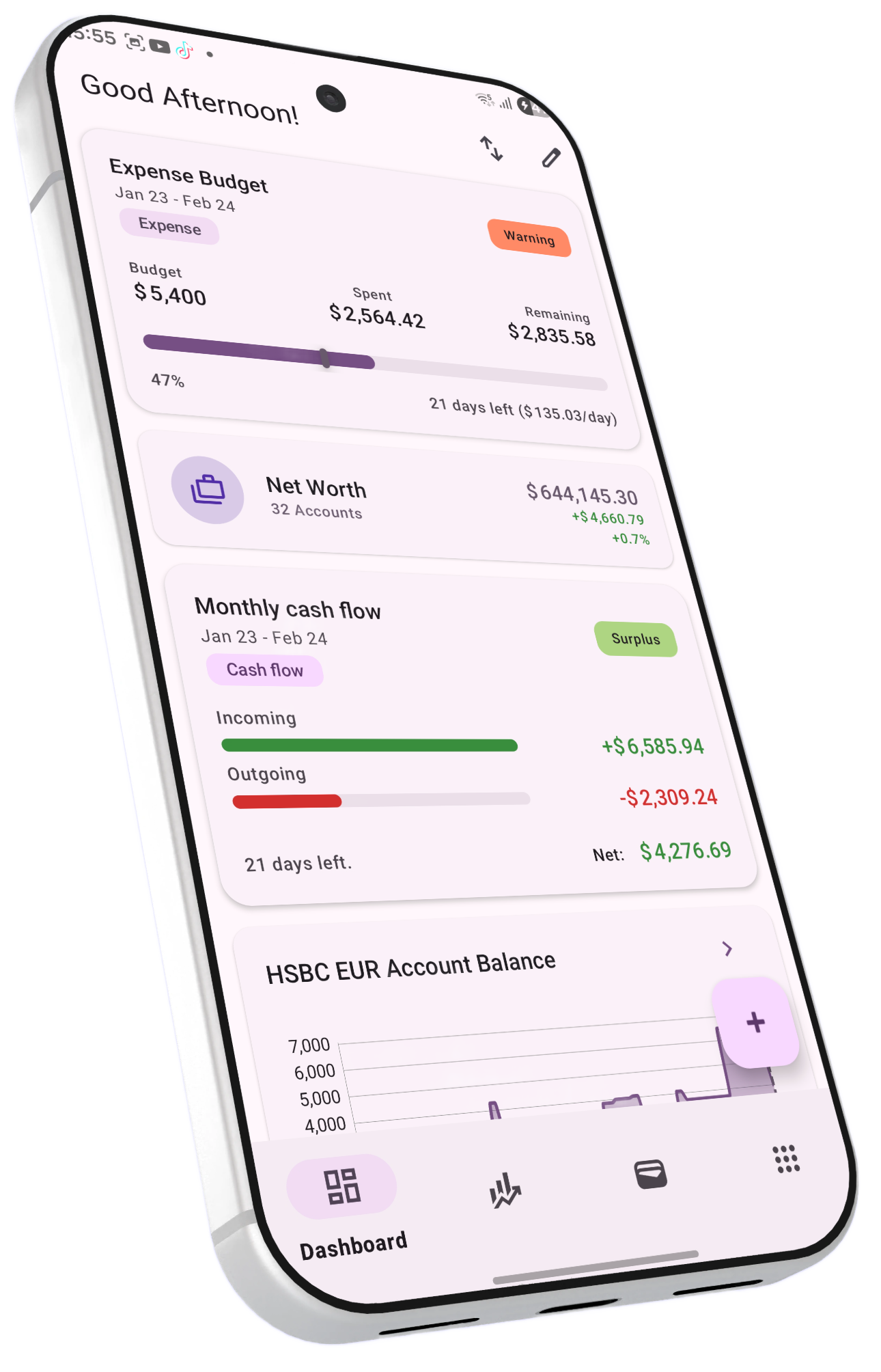
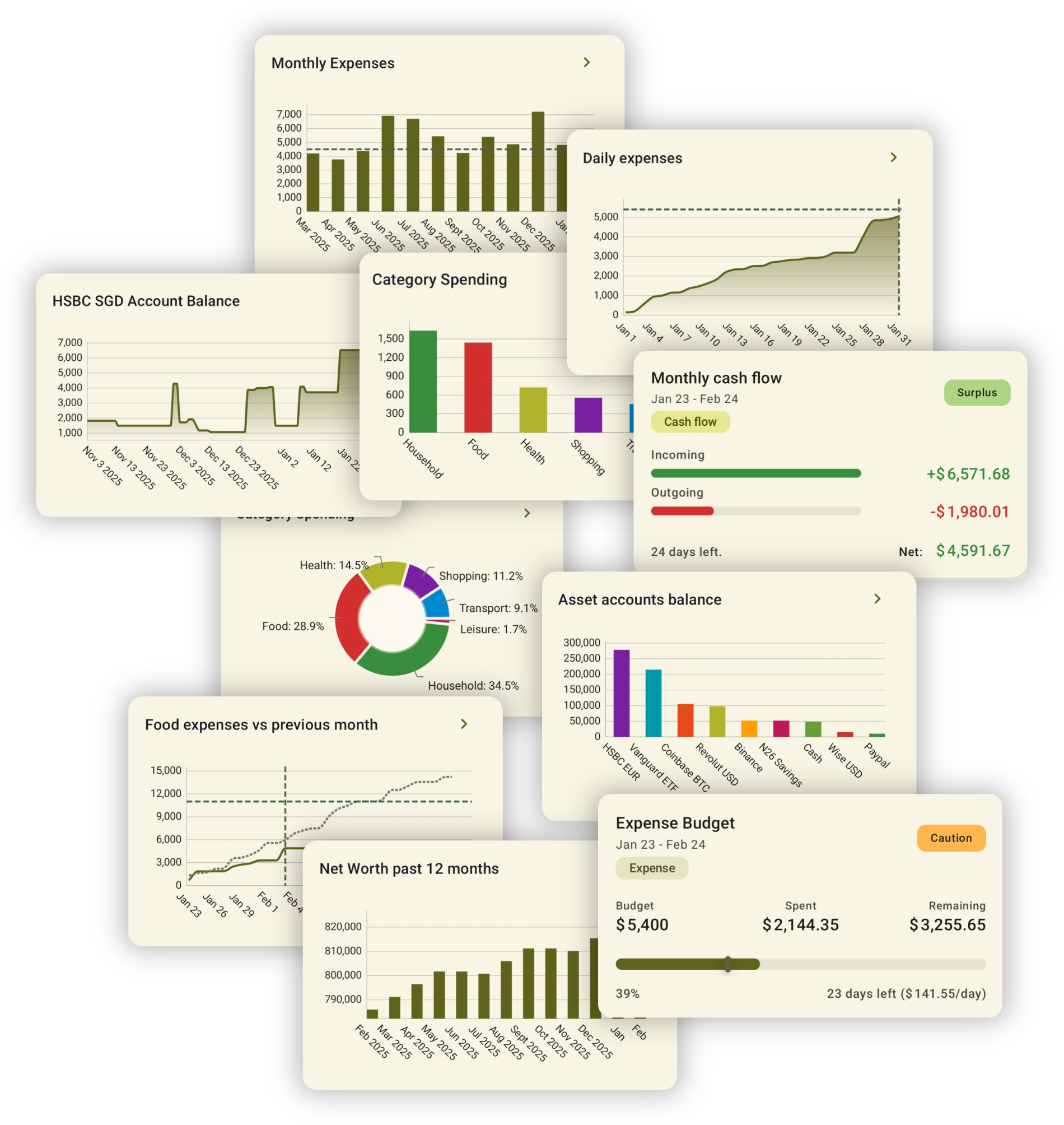
Powerful dashboard
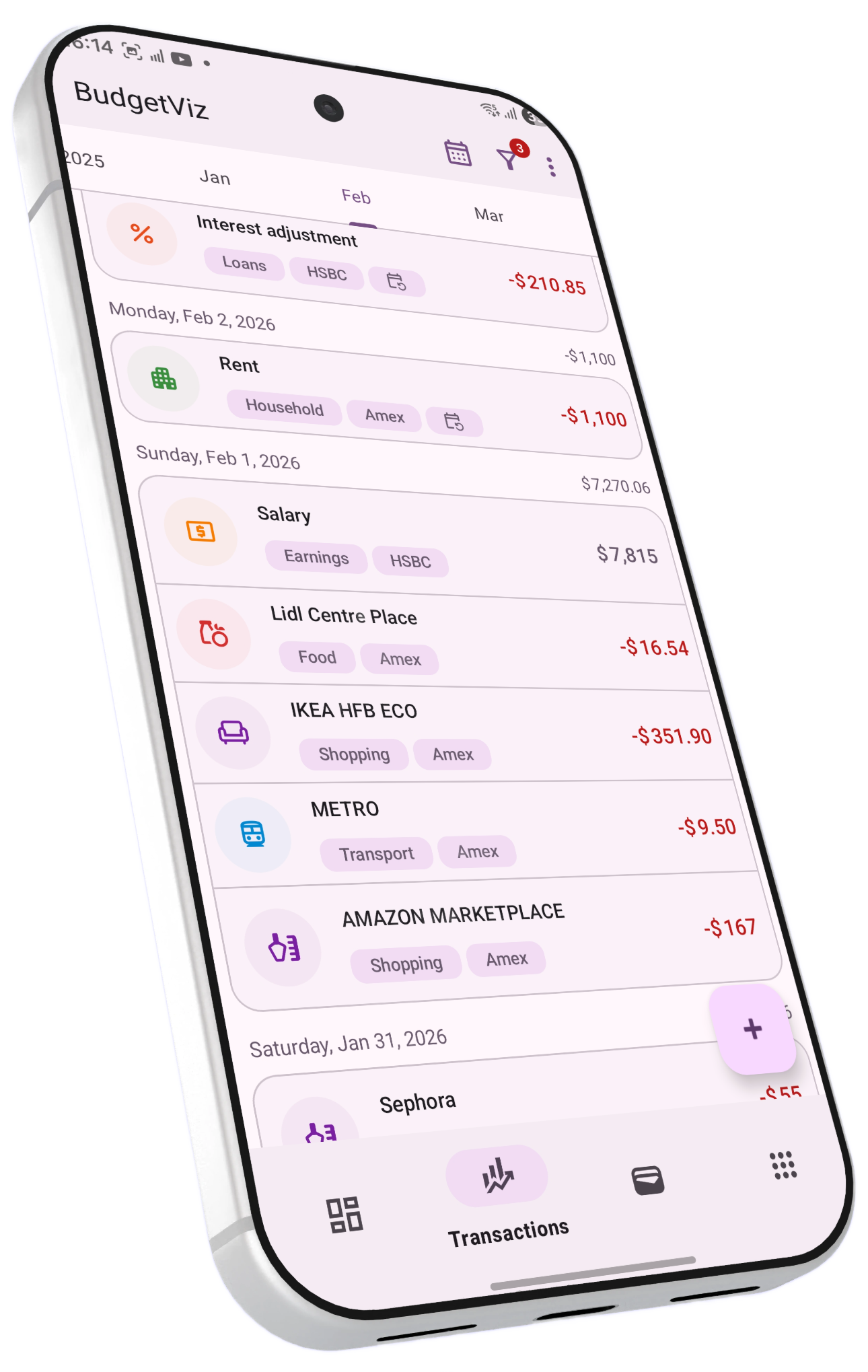
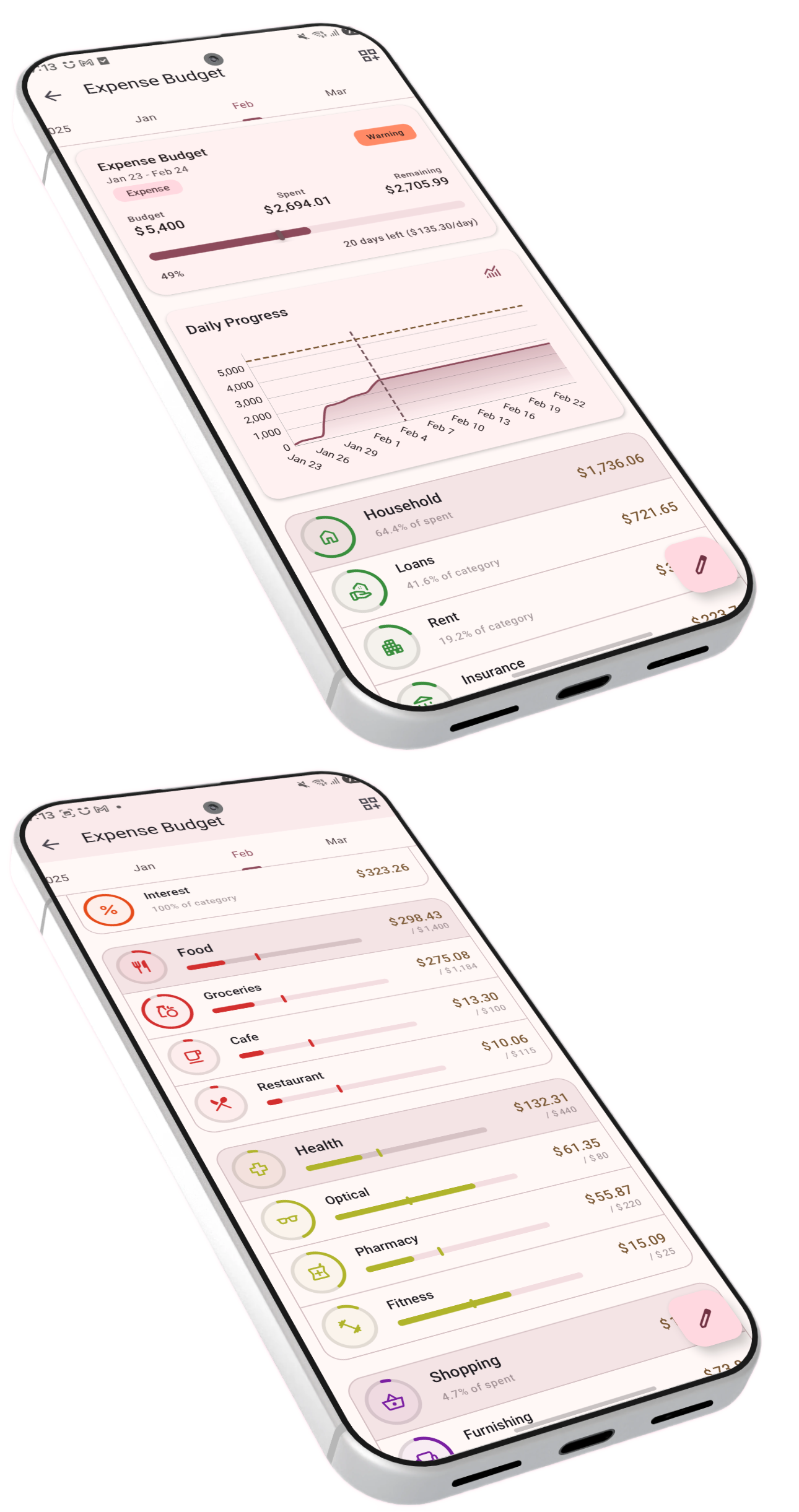
BudgetViz overview BudgetViz budgets BudgetViz reports BudgetViz currencies BudgetViz portfolio BudgetViz transactions BudgetViz settings BudgetViz settings
download Download it on Google Play rocket_launch See the documentation to explore the features of BudgetViz →

Built Around What Matters

BudgetViz organizes your financial life into clear, interconnected building blocks — from individual transactions to complete portfolio overviews. It is designed to give you a complete, detailed view of your finances, with the possibility to model your entire financial ecosystem — all your accounts, regular payments, and financial goals.

swap_horiz

Transactions

Track expenses, income, and transfers. Assign each to an account, category and subcategory, add tags, attach receipts, and even split costs with friends.

account_balance_wallet

Accounts

Model any type of account — checking, savings, credit cards, loans, crypto wallets, investments, real assets, receivables, and cash — each in its own currency.

label

Categories & Subcategories

Organize transactions with a flexible two-level hierarchy. Define your own categories and subcategories to match how you think about spending.

savings

Budgets

Create expense, saving, or cash flow budgets with goals on three levels: overall, per category, and per subcategory — for any time period and set of accounts.

pie_chart

Portfolios

Group accounts into portfolios to track net worth and growth, with hierarchical breakdowns — from the overall portfolio down to asset types and individual accounts.

sell

Tags

Add custom tags to any transaction for flexible cross-category filtering and analysis — perfect for tracking projects, trips, or any grouping you need.

Three Ways to Budget

Whether you want to control spending, grow savings, or monitor overall cash flow, BudgetViz has a budget type for you — each with multi-level goals so you stay on track at every level of detail.

  • check_circleExpense budgets — Set spending limits overall and per category
  • check_circleSaving budgets — Define savings targets and watch your progress
  • check_circleCash flow budgets — Monitor the balance of income vs. expenses
  • check_circleBudget reports — Detailed breakdowns comparing actuals to goals for the overall budget, per category, and per subcategory — for both active and historical periods
  • check_circleRollover budgets — Carry unspent amounts forward to the next period so you can track how your spending adds up over time
BudgetViz app overview

See Where You Stand

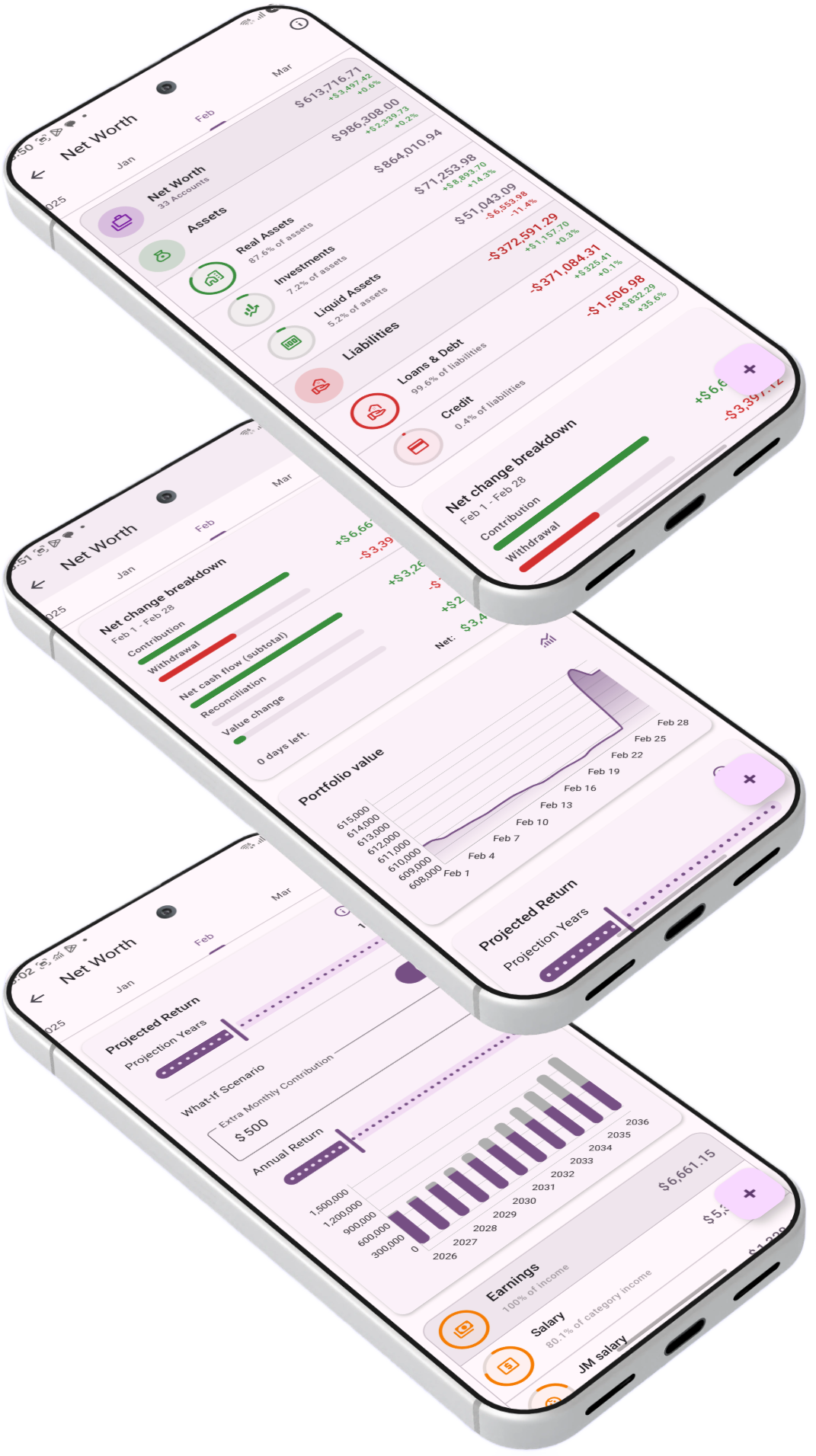
Day-to-day budgeting tells you where your money goes. Portfolios answer a different question — where do you stand? Group any combination of accounts into a portfolio and track your wealth across assets, liabilities, and net worth.

  • check_circleHierarchical balance sheet — Drill down from portfolio total to assets & liabilities, portfolio categories, and individual accounts
  • check_circleAutomatic categorisation — Accounts are mapped to categories like Liquid Assets, Investments, Real Assets, and Loans based on account type
  • check_circleGrowth tracking — Period-over-period changes shown as absolute amounts and percentages at every level
  • check_circleNet worth mode — Leave the account list empty to automatically include all accounts and track your complete net worth
  • check_circleBalance targets — Set a savings goal on any portfolio or on individual savings and investment accounts, and track your progress with a visual progress bar
Read the full portfolios guide arrow_forward
BudgetViz portfolio balance sheet

Keep Track of Who Owes What

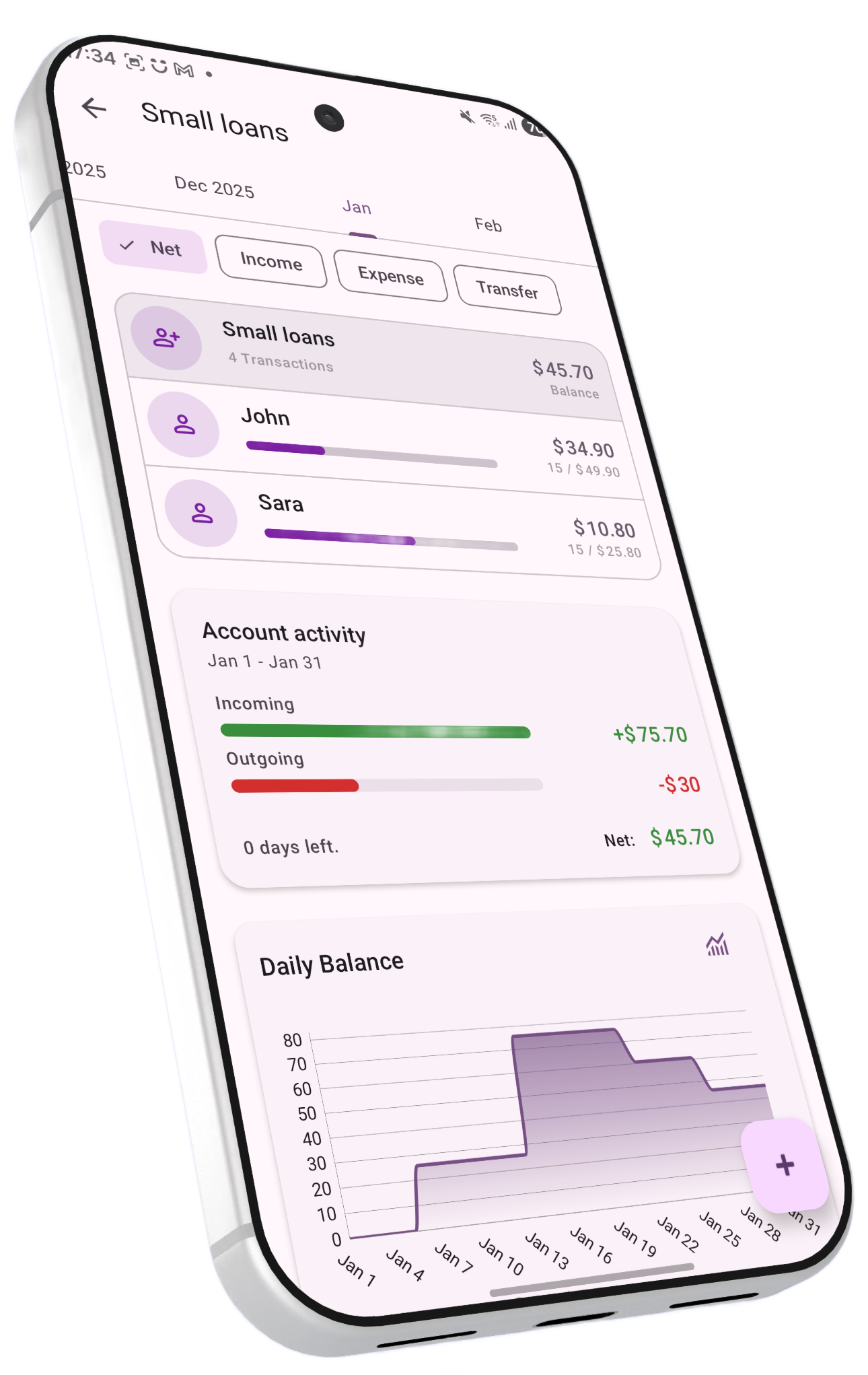
Split restaurant bills, track borrowed money, and maintain running tabs with friends — all seamlessly integrated into your transaction history.

  • check_circleLoans to contacts — Track money you've lent with repayment progress
  • check_circleLoans from contacts — Track money you've borrowed and repayments
  • check_circleRunning balances — Long-term tabs showing who owes whom
  • check_circleBill splitting — Split any transaction and automatically update loan balances
BudgetViz app overview

Deep Insights, Your Way

Create custom reports with flexible filters, time periods, and chart types. From daily cash flow to monthly net worth growth — see your finances from every angle, with built-in forecasting to see where you're headed.

BudgetViz custom reports
show_chart

Cash Flow Reports

Daily & monthly flows, accumulated trends

bar_chart

Expense Analysis

By category, subcategory, account, or time

stacked_line_chart

Income Tracking

Income breakdown by source and period

pie_chart

Pie Charts

Visual breakdowns by category or account

trending_up

Net Worth Growth

Track total & period-over-period gains

account_balance

Account Balances

Daily balance history for any account

analytics

Budget Reports

Goal vs. actual for current & historical periods

donut_large

Portfolio Reports

Hierarchical breakdown: assets, liabilities, accounts

Plus many more — reports are fully customizable with flexible filters, chart types, and time periods.

See Where You're Headed

BudgetViz doesn't just show where your money has been — it shows where it's going. Upcoming and recurring transactions extend your charts into the future, and long-term projections combine your real planned contributions with compounding returns for a realistic picture. Everything is based on your actual data — BudgetViz never guesses.

  • check_circleProjected recurring transactions — Future occurrences appear automatically in budgets, reports, and account views
  • check_circleInvestment projections — Combines your current balance, planned contributions, and recurring transactions with compounding return rates — month by month
  • check_circleWhat-if scenarios — Explore hypothetical contributions and see the long-term impact instantly
  • check_circleBudget forecasting — Charts show settled vs. expected amounts, so you know if you're on track before the period ends
Read the forecasting guide arrow_forward
BudgetViz forecasting and projections

Any Currency, Anywhere

Each account lives in its own currency. Reports automatically normalize across currencies so you always see the full picture — no manual conversions needed.

  • check_circleFull support for ISO currencies, crypto, and custom currencies
  • check_circleAutomatic and manual exchange rate refresh
  • check_circleBuilt-in currency converter
  • check_circleReports normalize to your chosen reporting currency
BudgetViz app overview

Everything Else You Need

BudgetViz is packed with thoughtful features designed to make managing your money effortless and enjoyable.

event_repeat

Recurring Transactions

Set up automatic recurring transactions with flexible schedules that respect holidays and non-business days. Future occurrences are projected into reports for built-in forecasting.

notifications_active

Upcoming Payments

Reminders for unpaid transactions with configurable auto-payment, so you never miss a due date.

receipt_long

Attachments

Snap photos of receipts or attach any document directly to your transactions.

notifications

Auto-Capture Transactions

Turn banking and payment notifications into automatic transactions. Define patterns and let BudgetViz log expenses hands-free. See the guide →

link

Automation via Deep Links

Integrate with automation tools to add transactions via deep links — no manual entry needed. See the deep links guide →

backup

Backup & Restore

Full local and Google Drive backups with support for automatic nightly scheduling.

swap_vert

CSV Import & Export

Bulk-import transactions from bank statements or custom files, and export to Excel or other tools. See the format guide →

public

Home Time Zone

Set a home time zone so your reports stay consistent even when you travel across time zones.

palette

Material Design 3

A clean, modern interface with extensive customization of colors, themes, and layout preferences.

widgets

Home Screen Widgets

Add transactions instantly or check your budget status at a glance — right from your home screen, without opening the app.

lightbulb

Smart Insights

Your dashboard highlights what needs attention — overdue payments, uncategorized transactions, and completed budget periods.

shield_lock

Your Data Stays Yours

BudgetViz is built privacy-first. All your financial data lives on your device and never leaves it — except when you choose to back up to your own Google Drive account. Lock the app with fingerprint or face unlock for an extra layer of protection.

Read our Privacy Policy arrow_forward